Adding a GPS unit to your rental car booking
Once you’ve selected your hire car you can add a GPS to your booking.
Read on to find out how.
If you’re planning to drive in New Zealand’s Auckland, Christchurch, or Wellington—or any urban areas — a GPS unit can make navigating unfamiliar streets a lot easier.
How do I request a GPS?
When booking a hire car through our website — or through the VroomVroomVroom app — the option to add a GPS unit is displayed below the details of your selected vehicle. If selected — and available at the time of booking — the cost of the equipment will be added to your overall booking charge.
Depending on unit availability, with VroomVroomVroom you have the option to add a GPS request on the booking page — if your pickup time is more than 48 hours away. If the GPS unit is listed as “on request,” our team will get in touch with you to confirm your GPS and the updated cost of your booking. If there’s no option to add a GPS when booking — or if you’ve already placed your booking — feel free to contact our customer care team for assistance.
How much will it cost to add a GPS to my car rental booking?
Rental car providers will generally charge a daily fee — perhaps with a maximum charge per rental — for a GPS device added to your booking. The daily cost of the GPS unit will vary depending on the provider. Please refer to the “Important Information” section in the VroomVroomVroom booking flow for details specific to your rental vehicle, or check the providers Terms and Conditions for their current pricing.
Alternatives to rental car GPS units
While rental car GPS devices offer convenience, they’re not your only option. Many travellers now rely on smartphone navigation apps like Google Maps, Apple Maps, or Waze, which provide free turn-by-turn directions and real-time traffic updates. If you choose this option instead of a GPS, ensure you have a suitable mobile data plan — or download offline maps before your journey, as mobile coverage can be patchy in remote areas of New Zealand. You’ll also need a secure phone mount to keep your device at eye level and a car charger to prevent your battery from draining during long drives.
Safe GPS usage while driving in New Zealand
New Zealand law prohibits drivers from holding or using a mobile phone while driving, and this includes programming your GPS. Always set your destination and adjust settings before you commence driving, and if you need to make adjustments to your device along the way, pull over to do so.
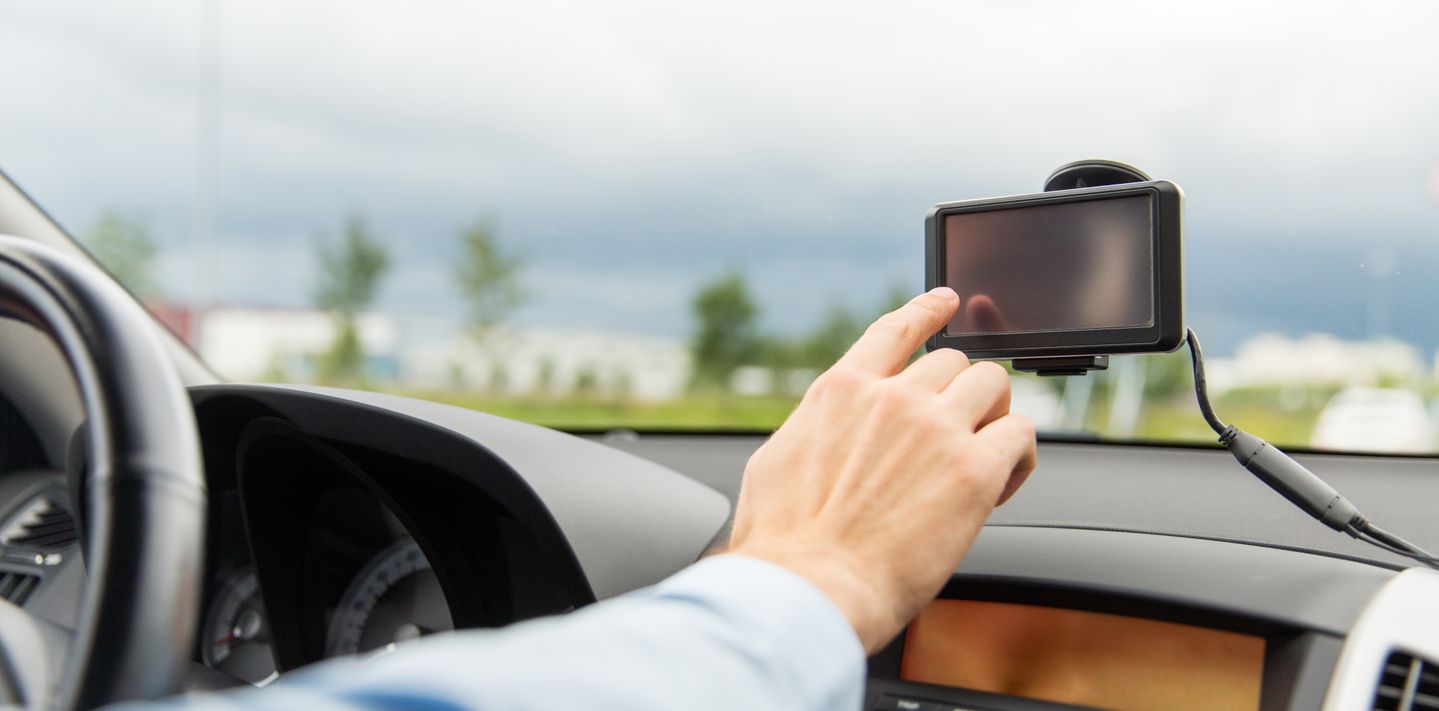
If you have rented a GPS as an additional feature of your hire car, it should already be mounted in the vehicle. Before you start driving, check that it is positioned in a manner that provides clear visibility without obstructing your view of the road, other vehicles, traffic signs, and pedestrians. The device should be mounted securely and angled so you can glance at it with minimal eye movement without turning your head. Remember that the directions provided by a GPS should supplement — not replace — your attention to road signs, traffic conditions, and common sense.
New Zealand’s roads can be challenging, particularly winding rural routes, mountain passes, and any roads in adverse weather conditions. Don’t blindly follow GPS instructions if something seems unsafe or incorrect — occasionally, navigation systems may suggest routes unsuitable for certain vehicle types or direct you down roads that are closed or under construction. Stay alert and be prepared to make your own judgement calls — always use your common sense.
It’s also wise to familiarise yourself with your route before setting off, as this can help you anticipate directions and reduce the need to constantly check the screen. If you miss a turn, don’t panic or make dangerous manoeuvres — your GPS should recalculate and find an alternative route accordingly.
GPS reliability in rural and remote areas
While GPS devices generally work well in New Zealand’s urban centres, coverage and accuracy can vary in remote areas. Mountainous terrain, dense forests, and isolated coastal roads — for example around Milford Sound — may occasionally cause signal loss or delays in recalculation. Consider carrying a physical road map as backup, particularly if you’re planning to explore the South Island’s more remote regions or explore national parks — they also make for a great souvenir after the trip. Local tourism offices can provide excellent regional maps and are always a good spot to check in at for up-to-date information on road conditions.
About the author

Vroom Team
VroomVroomVroom’s writing team brings together decades of writing expertise to share their insights into travelling around New Zealand by rental car. Let our team help you get the most out of your rental car experience.